What it's for
If you're a designer, you can now show suggested retail pricing instead of wholesale pricing so you can browse the catalog with your clients. Then, when you're ready to place an order, you can set the pricing back to your default wholesale price level.
If you are a dealer, you can display retail prices to your customers as a kiosk, or you can hide prices altogether.
Setting it up
To change which prices display, first sign in to the catalog. Then click your name and the My Account link, found at the top left of most eCat Online pages:
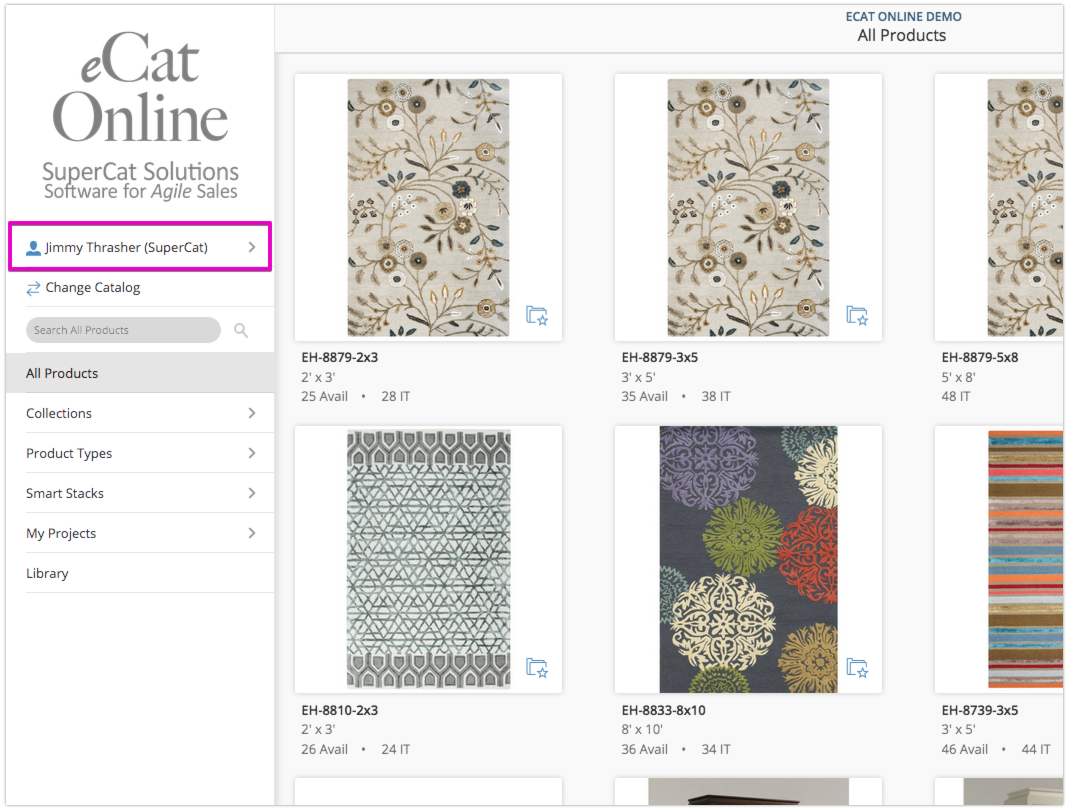
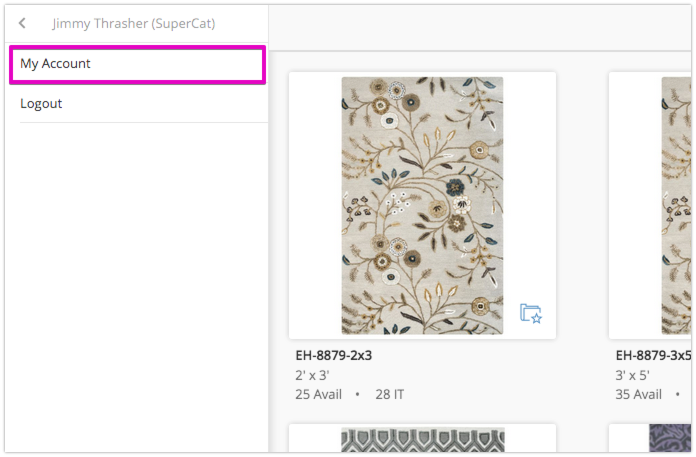
If the feature is set up by your manufacturer, you will see a view like this:
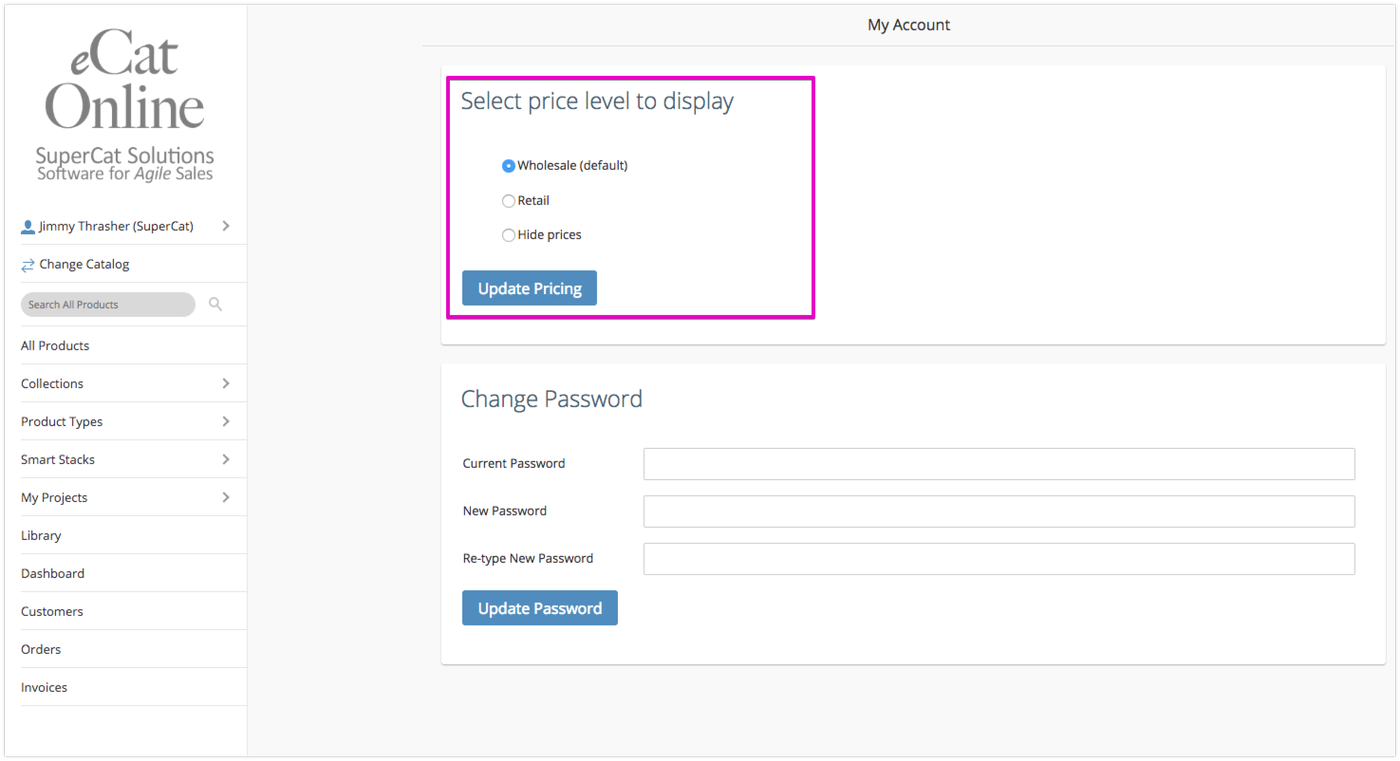
Select your preferred price level, then click "Update Pricing."
When you view the catalog, the prices will be displayed using the price level you selected.
Tips & Tricks
- You must sign in to eCat Online in order to select which pricing to display. If you don't have login access, apply for it using the enrollment button on the login page.
- Your vendor must also have enabled the feature for their catalog site.